What is Cobblr
Cobblr lets you build your own app to track the things you care about, like inventory, projects, machines, or collections, by turning features on instead of writing code.
Most tools force your stuff into their shape: a spreadsheet, a notes app, a rigid SaaS. Cobblr is the other way around. It's a small kernel that does nothing much on its own, plus a library of modules you switch on for what you need: inventory, tasks, a fabrication queue, scanning, calendars, a public display, and more. Nothing is tied to one use case, so the same Cobblr runs a 3D-printer workshop, a yarn stash, a lego club, or your garage.
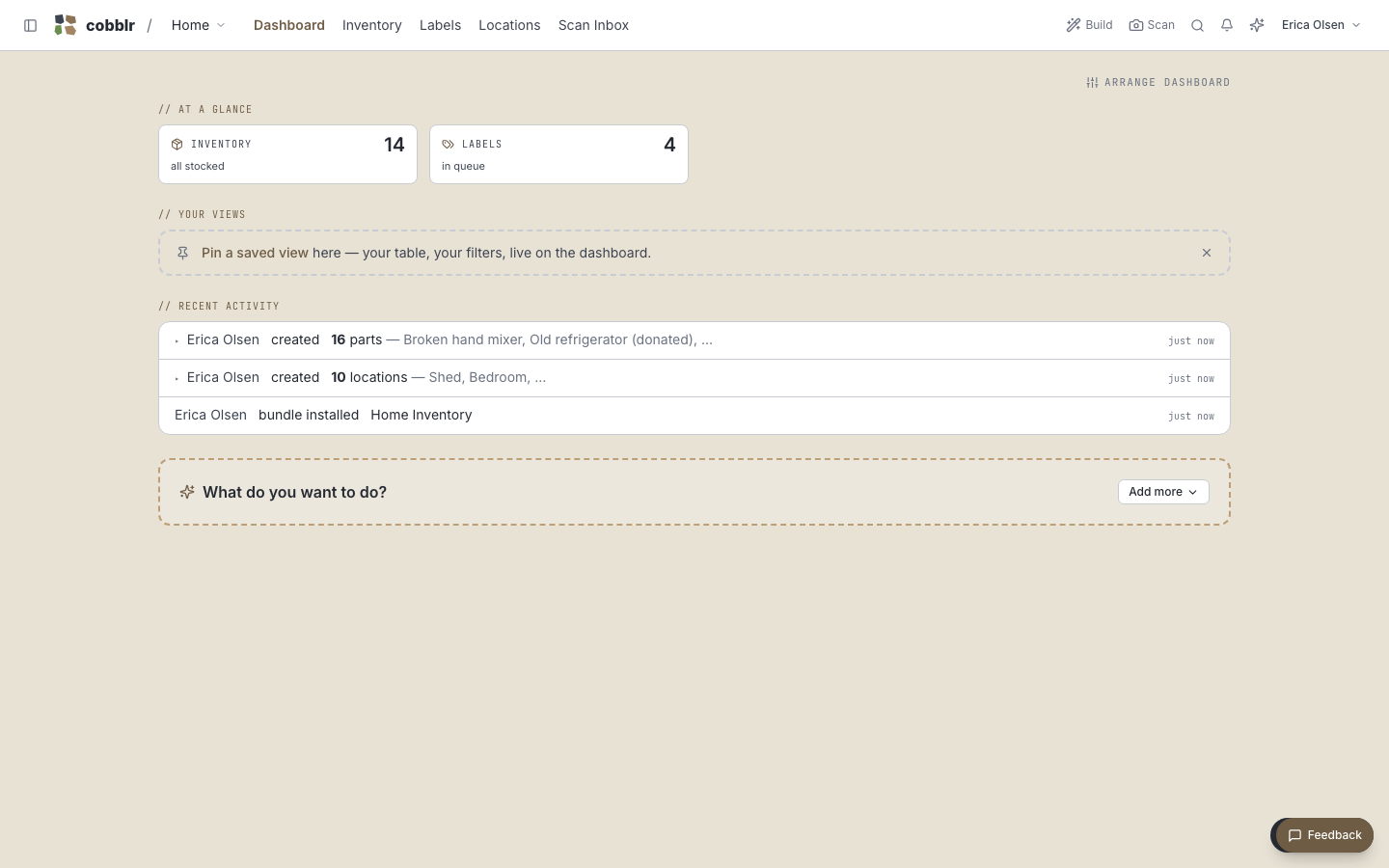
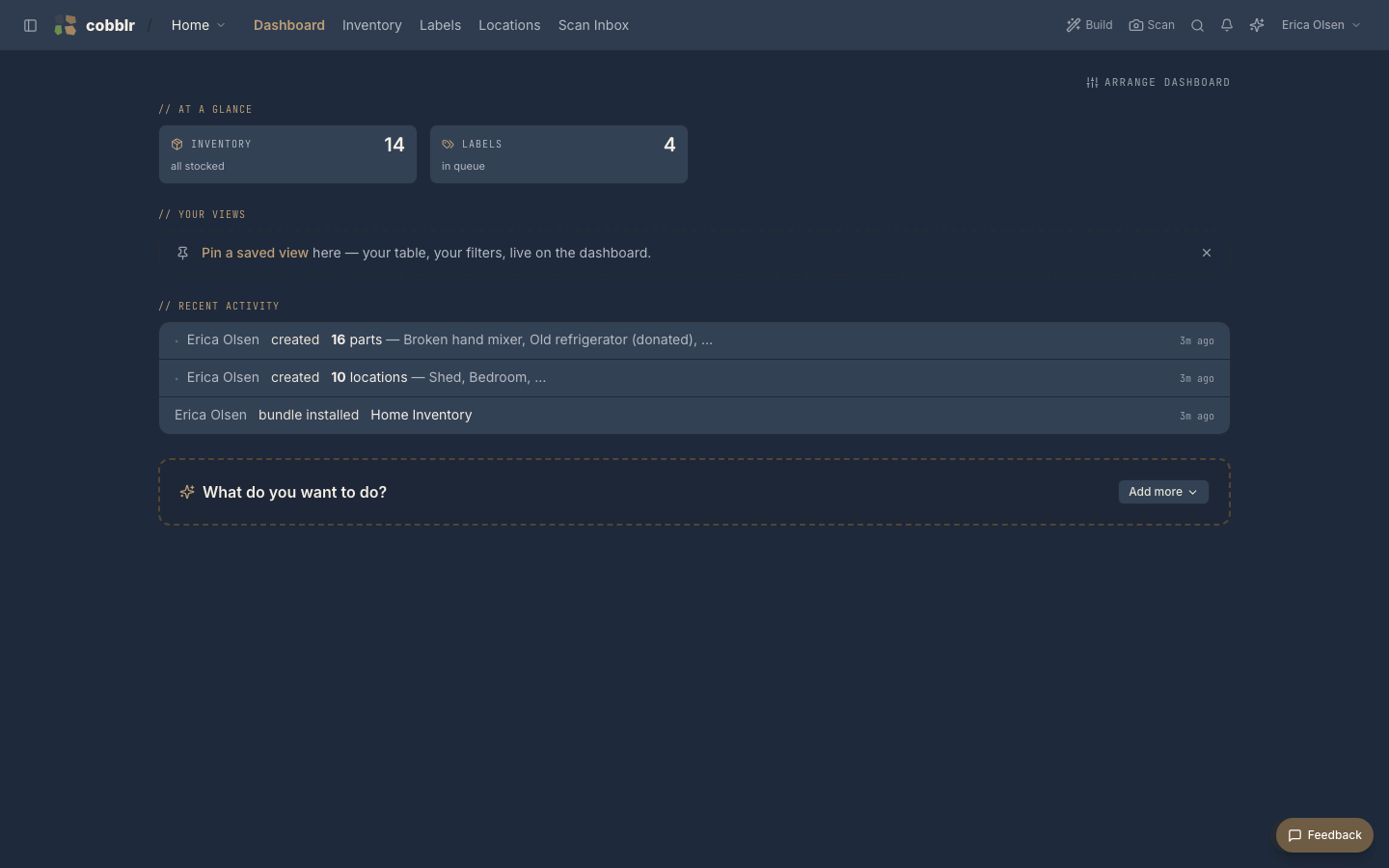
The idea in a minute
- Workspaces are self-contained spaces, each with its own data, modules, and people. One Cobblr instance can hold many isolated workspaces.
- Modules are self-contained features you enable per workspace. They don't know about each other, so you compose the set you want.
- Bundles are ready-made starting points (a set of modules, fields, and views) so you don't begin from a blank page.
- Views are ways of looking at the same data: table, kanban, calendar, gallery, a TV display.
- Capture-first means you can start by scanning or jotting things down, and Cobblr helps sort what you capture into the right place. Structure can come later.
Running it
Self-host Cobblr on your own machine with Docker. It's free, and your data never leaves the box. See Self-hosting.
Where to next
- Self-hosting gets an instance running: the Docker setup, HTTPS for the phone camera, and privacy controls.
- Your first hour picks up from there: your account, your first workspace, and your first captured things.
- Concepts explains workspaces, modules, bundles, and views in more depth.
- Using Cobblr walks through each feature, from scanning to the print queue.
- Building on Cobblr covers writing a module, a bundle, or an edge-bridge driver.