Views
A view is a way of looking at your data. The items don't change, only how you see them. The same set of parts can be a spreadsheet-style table one moment, a kanban board the next, or a display on the shop wall.
The lenses
- Table: rows and columns, for scanning, sorting, and editing.
- Kanban: cards grouped into columns (by status, by location, by whatever you pick), which you drag between.
- Calendar: items placed by a date field, like due dates, arrivals, or events.
- Gallery: a photo-forward grid, for when what things look like matters.
- List: the simple default, one item per row.
Any view can also go on a TV or wall: public sharing puts a big, read-only, auto-refreshing version of it on a no-login URL.
What a view controls
Each view is its own saved setup of:
- which fields show as columns (a view can only show fields the data actually has)
- grouping, such as a kanban or table grouped by location, status, or category
- sorting and filtering, to order and narrow what's in view
Many views, one set of data
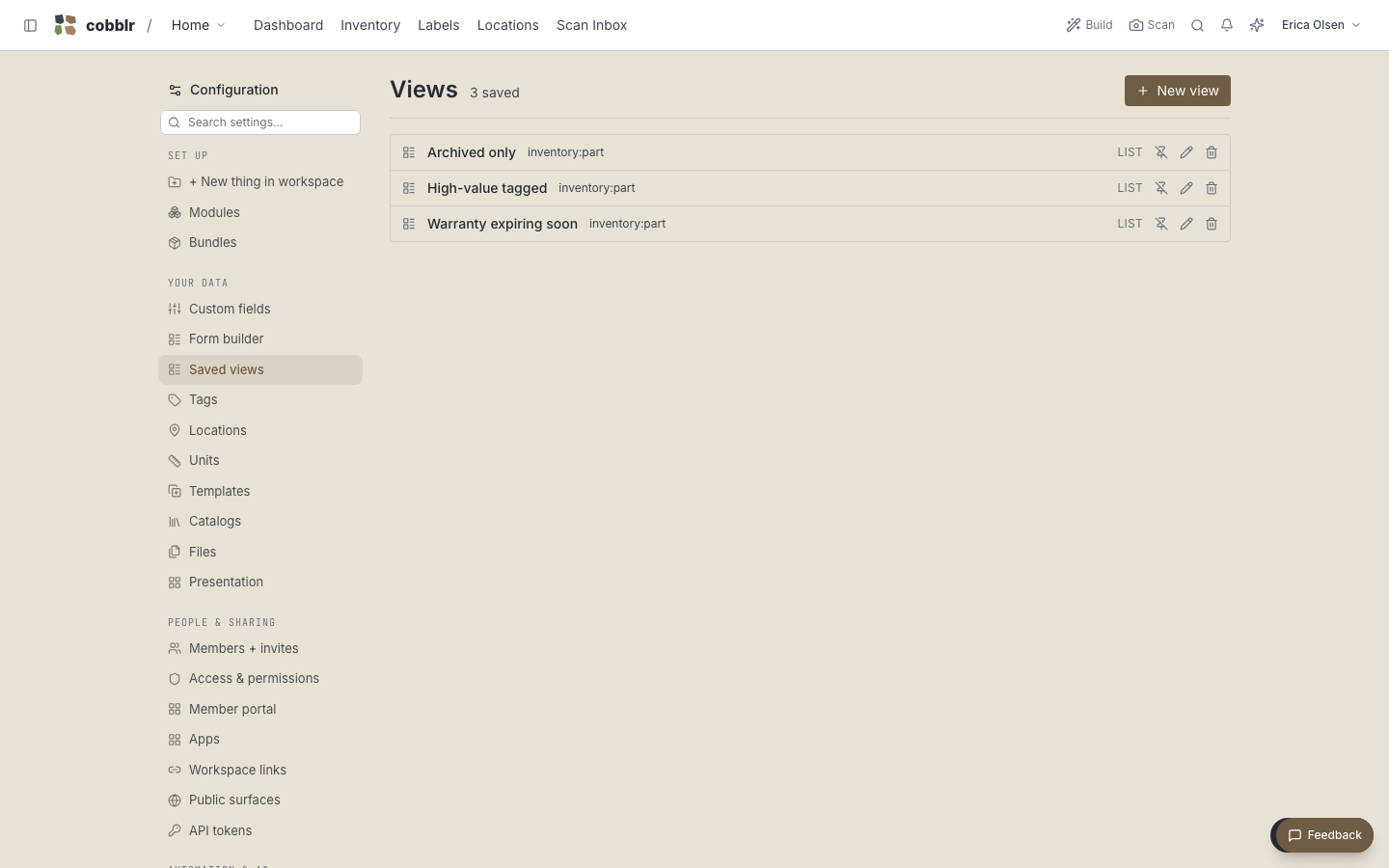
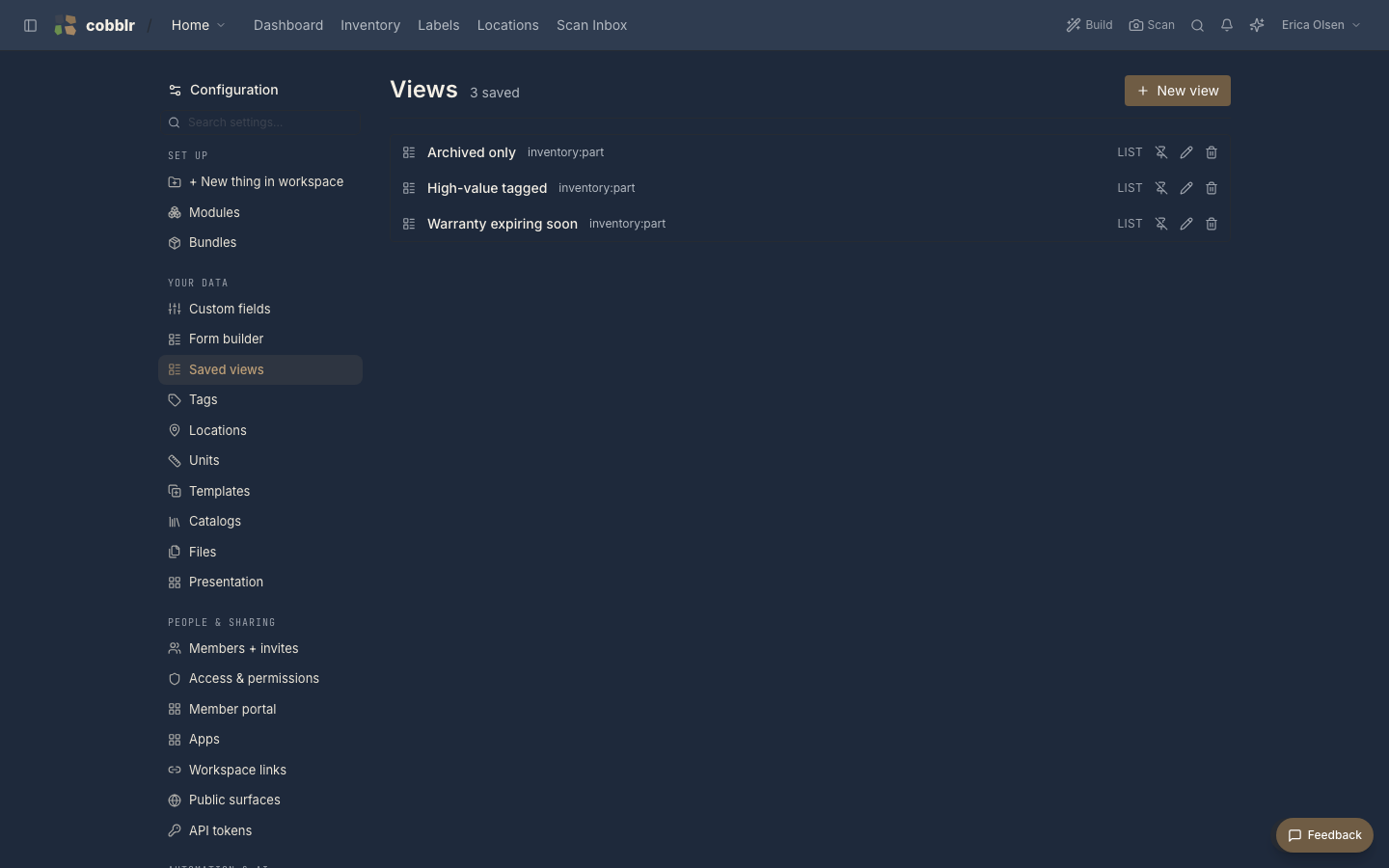
A module isn't limited to one view. You keep as many as you find useful, each tuned for a job: a low-stock filtered table, a this-week calendar, a by-shelf kanban. Switching between them is instant, because they all read the same items. A change in one shows up everywhere.
This falls out of the modular kernel. Because every module speaks the same item-and-field language, every module gets the full set of views without any extra work.