Inventory app
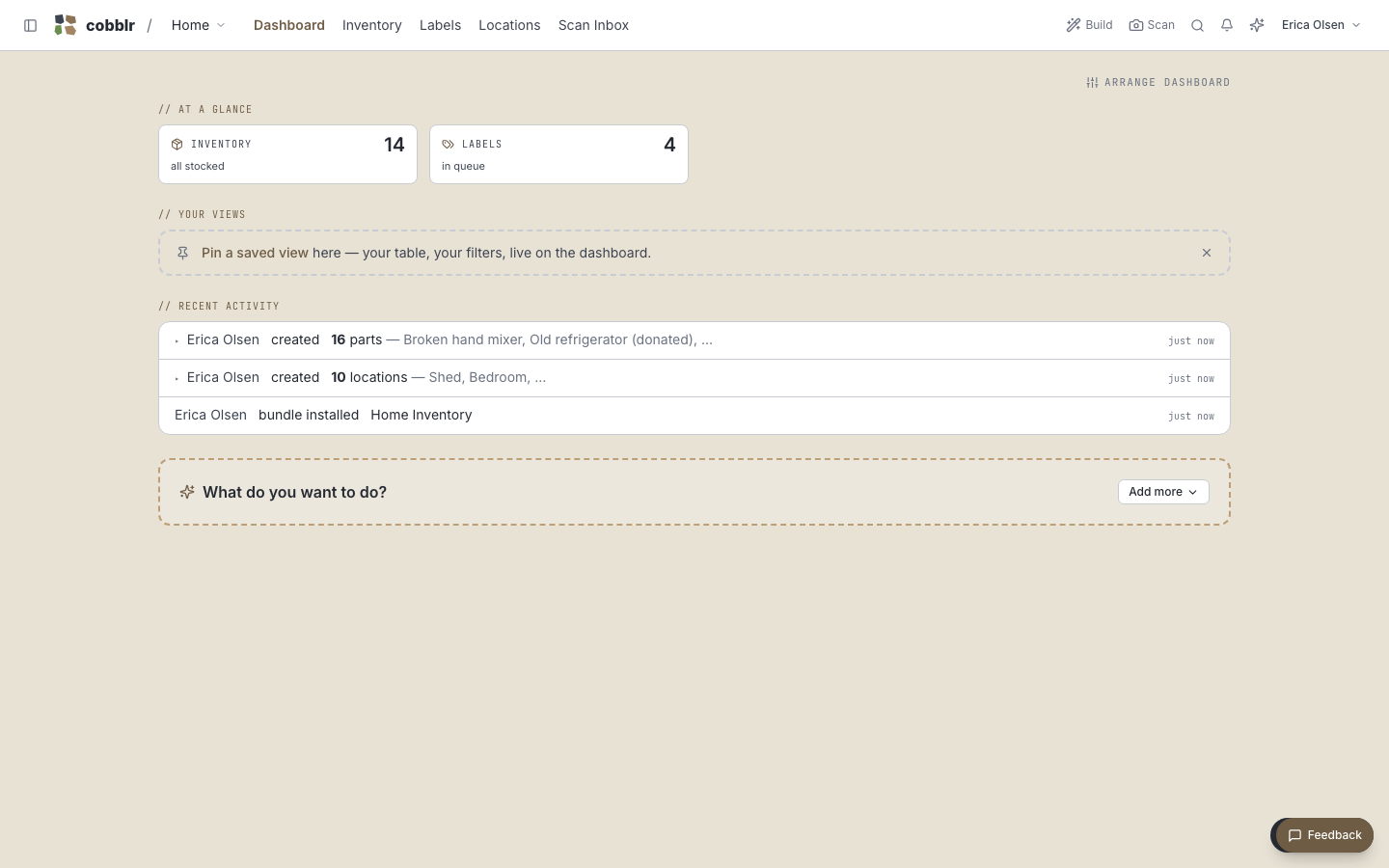
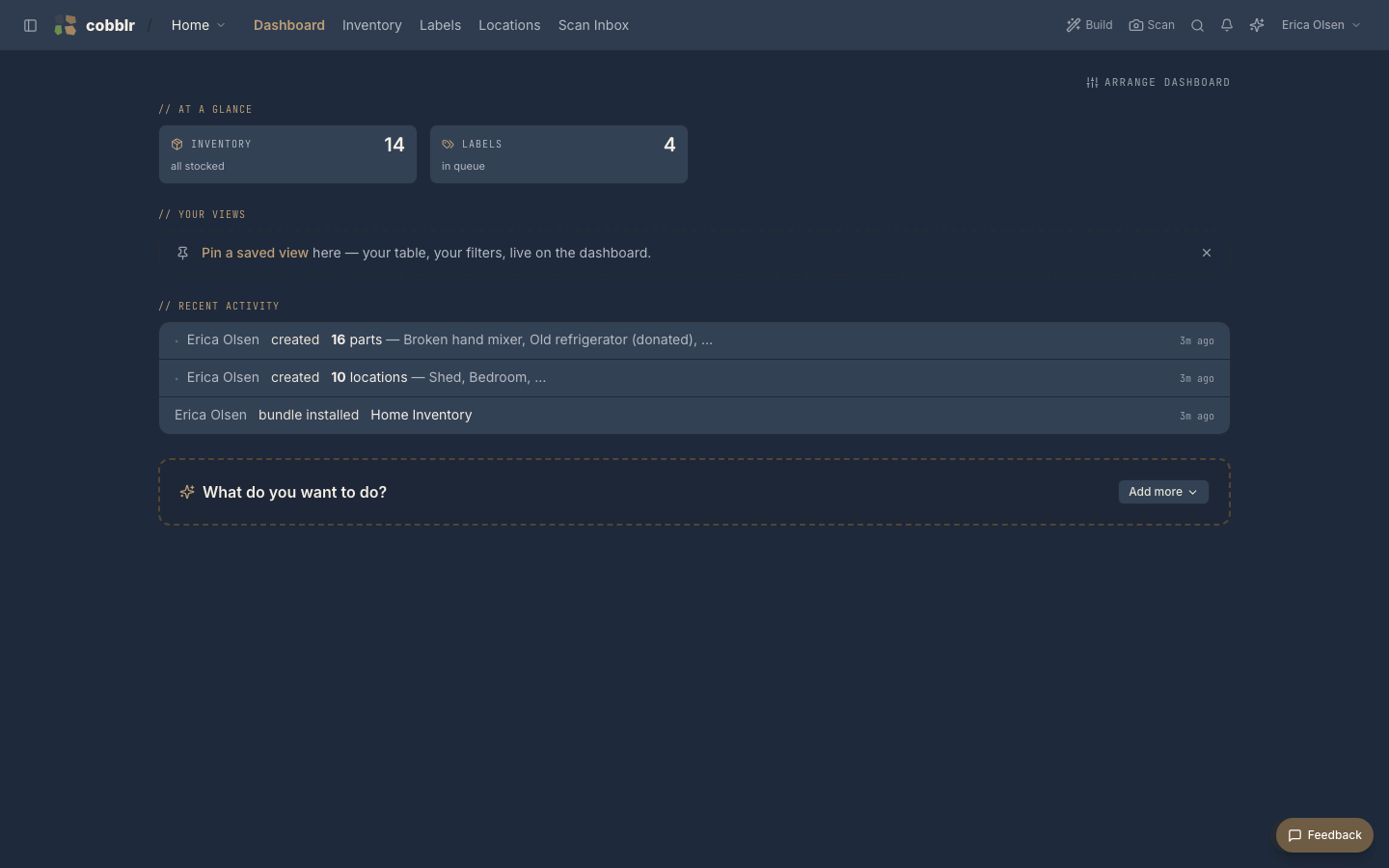
A worked example: turn Cobblr into an app for tracking parts, organized by where they live, with QR labels so you can find anything fast. It puts three features together, Inventory, Locations, and QR labels.
What you end up with
- A list of parts, each with a quantity, a location, and whatever details you care about.
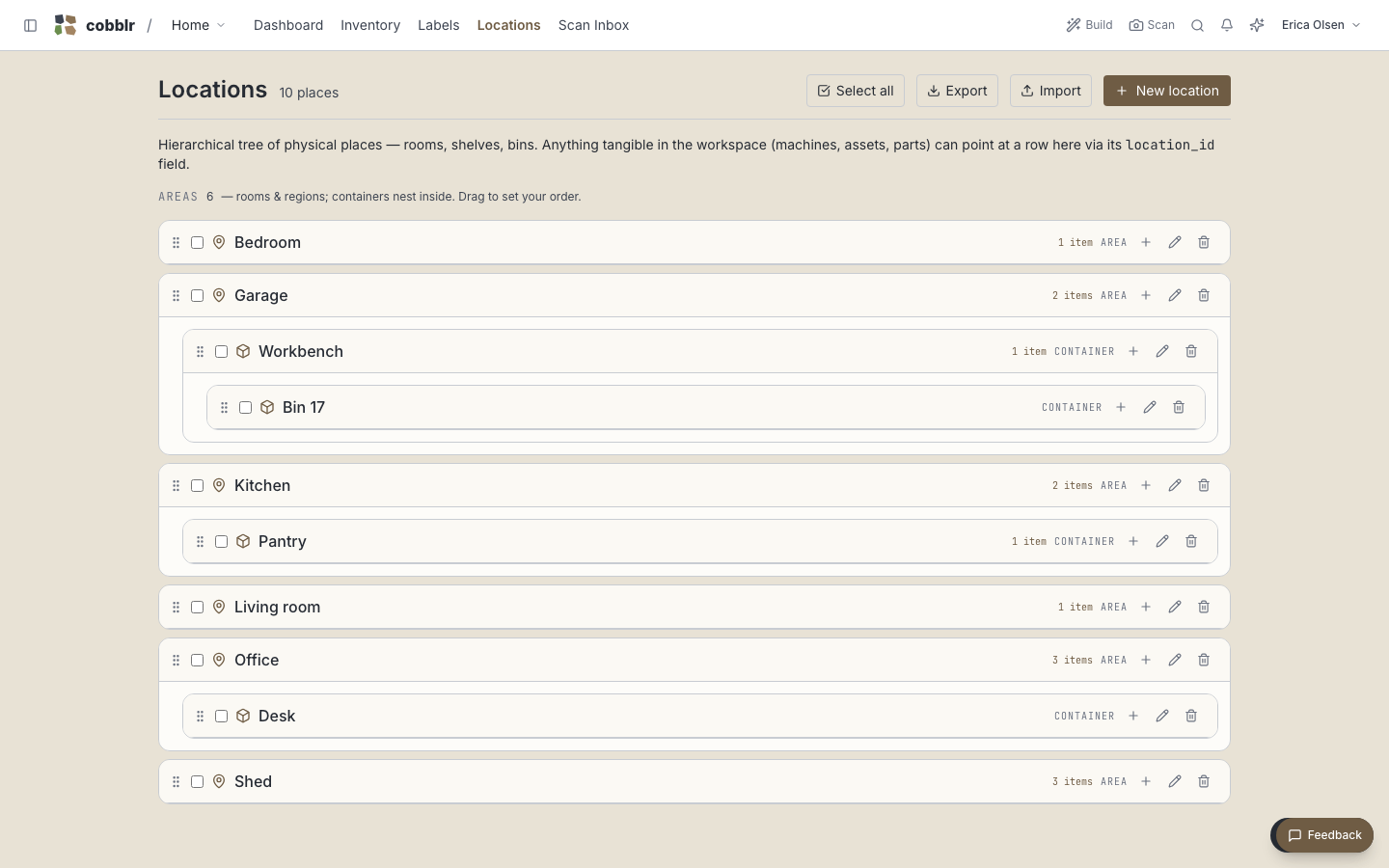
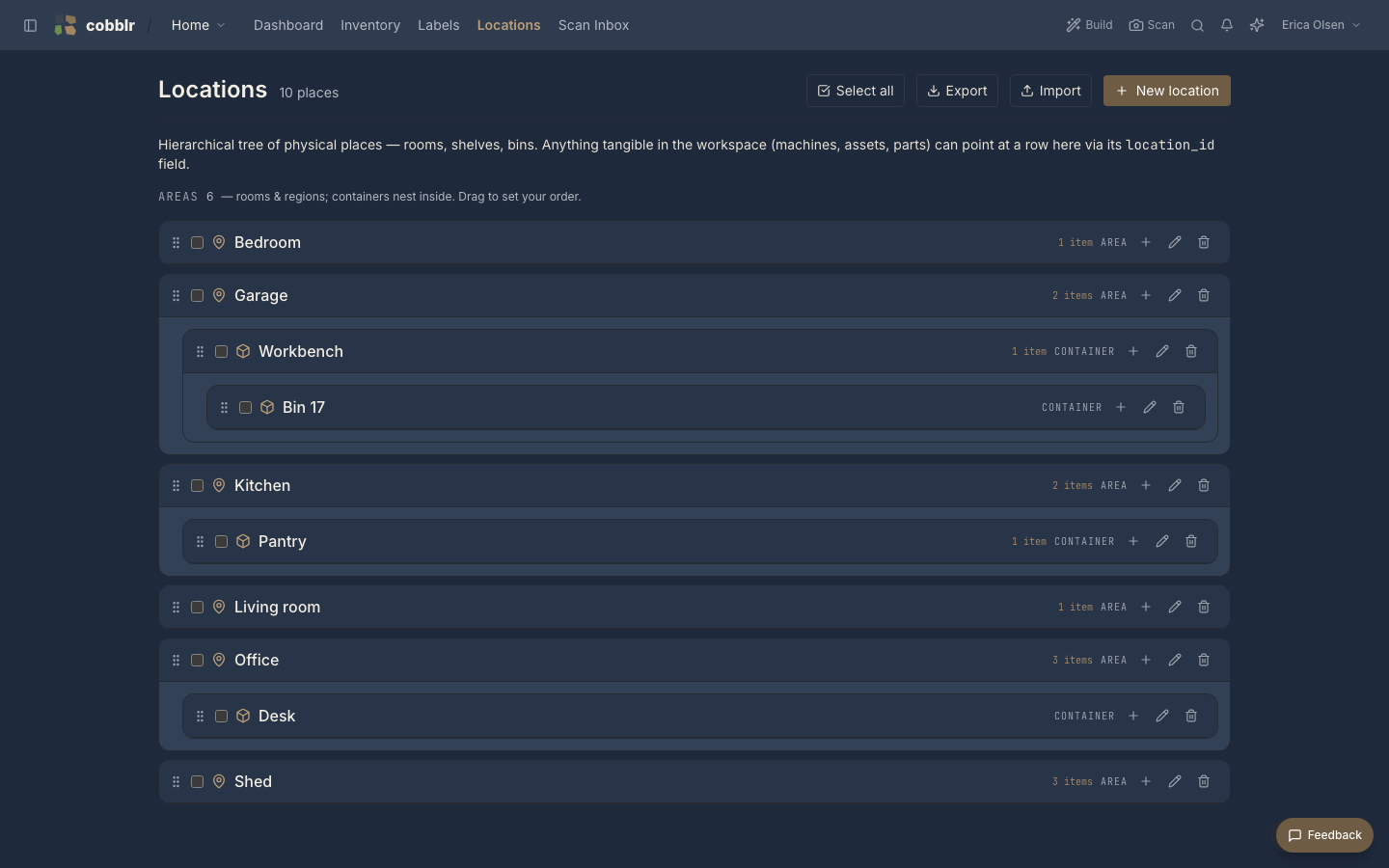
- A tree of places (rooms, shelves, bins) that the parts live in.
- A printed QR label on each bin, and each part if you want, so a scan takes you straight to it.
- A "what's low" view that shows what to reorder.
Putting it together
-
Start from an inventory bundle, or enable the Inventory module on a fresh workspace.
-
Build your locations tree to match your space.
-
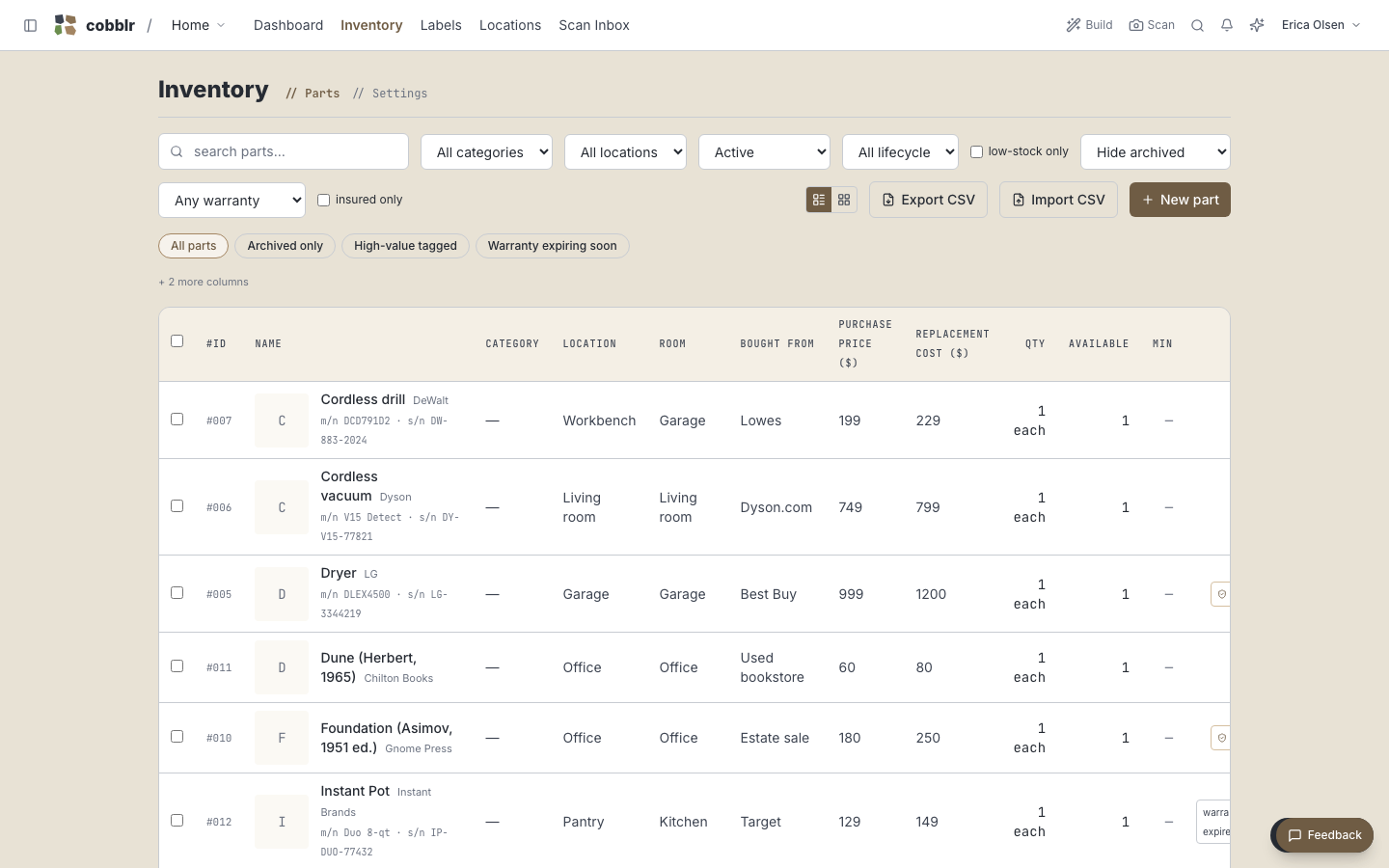
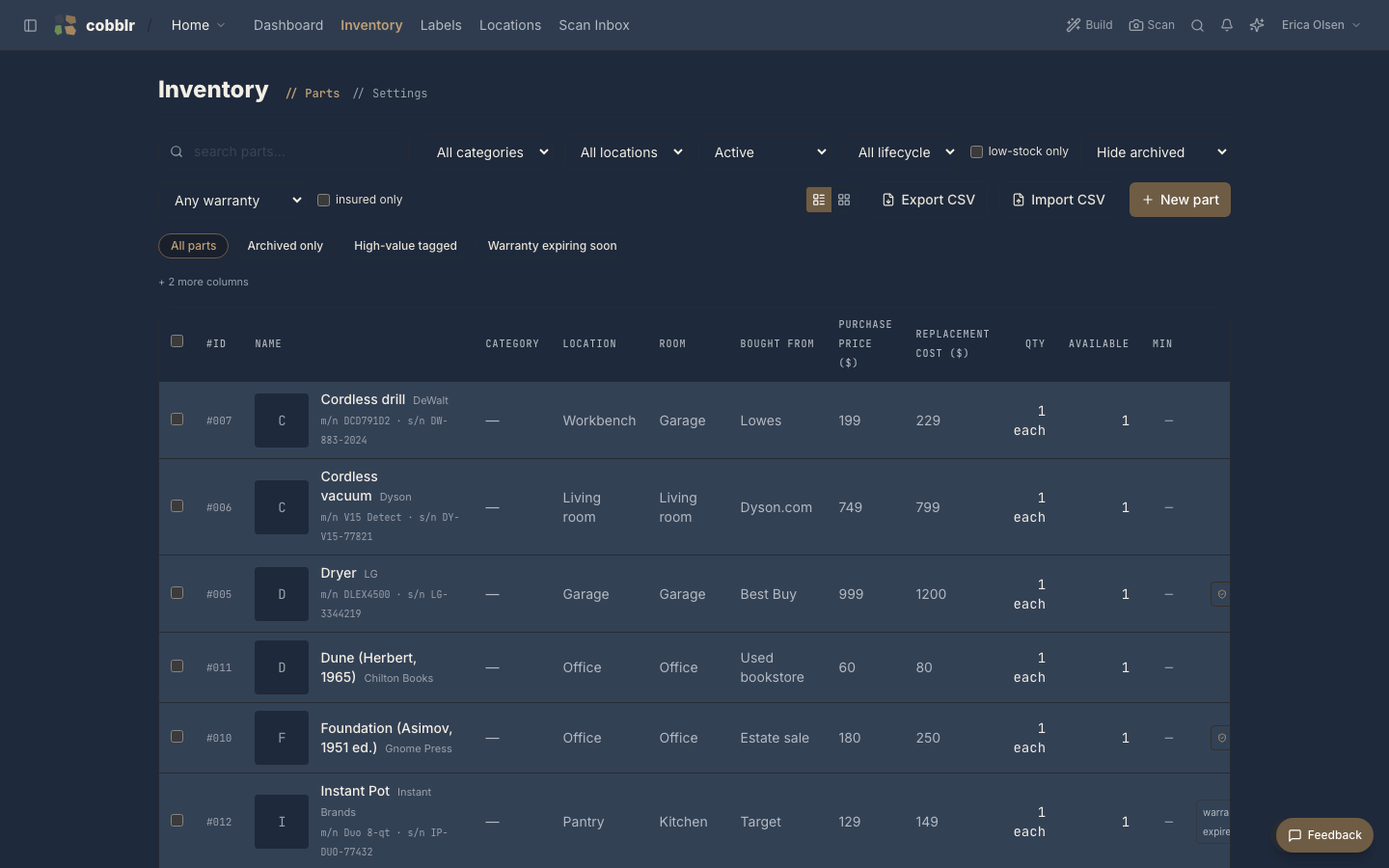
Add parts by scanning their barcodes, which fills in the name and details, then set a quantity and a location.
-
Print QR labels for your bins and shelves and stick them on.
-
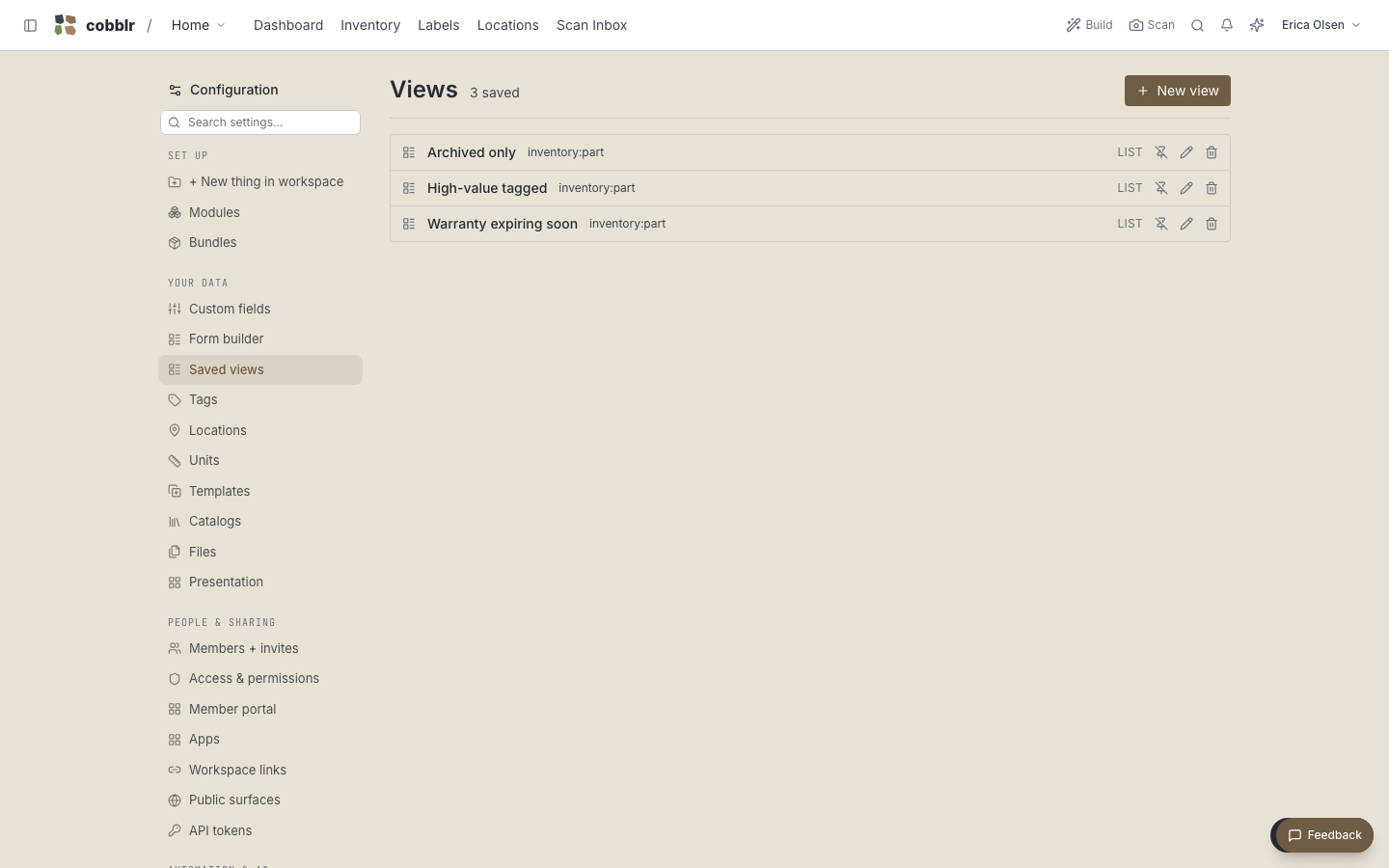
Set a reorder point on the parts you restock, and save a low-stock view.
Now finding a part is a scan, restocking is a glance at the low-stock view, and adding new stock is a barcode away.