Lego club
A worked example: a club's shared set collection, run by a few organizers, browsed by everyone. It puts Inventory, Locations, and a member-facing custom app together in one workspace.
What you end up with
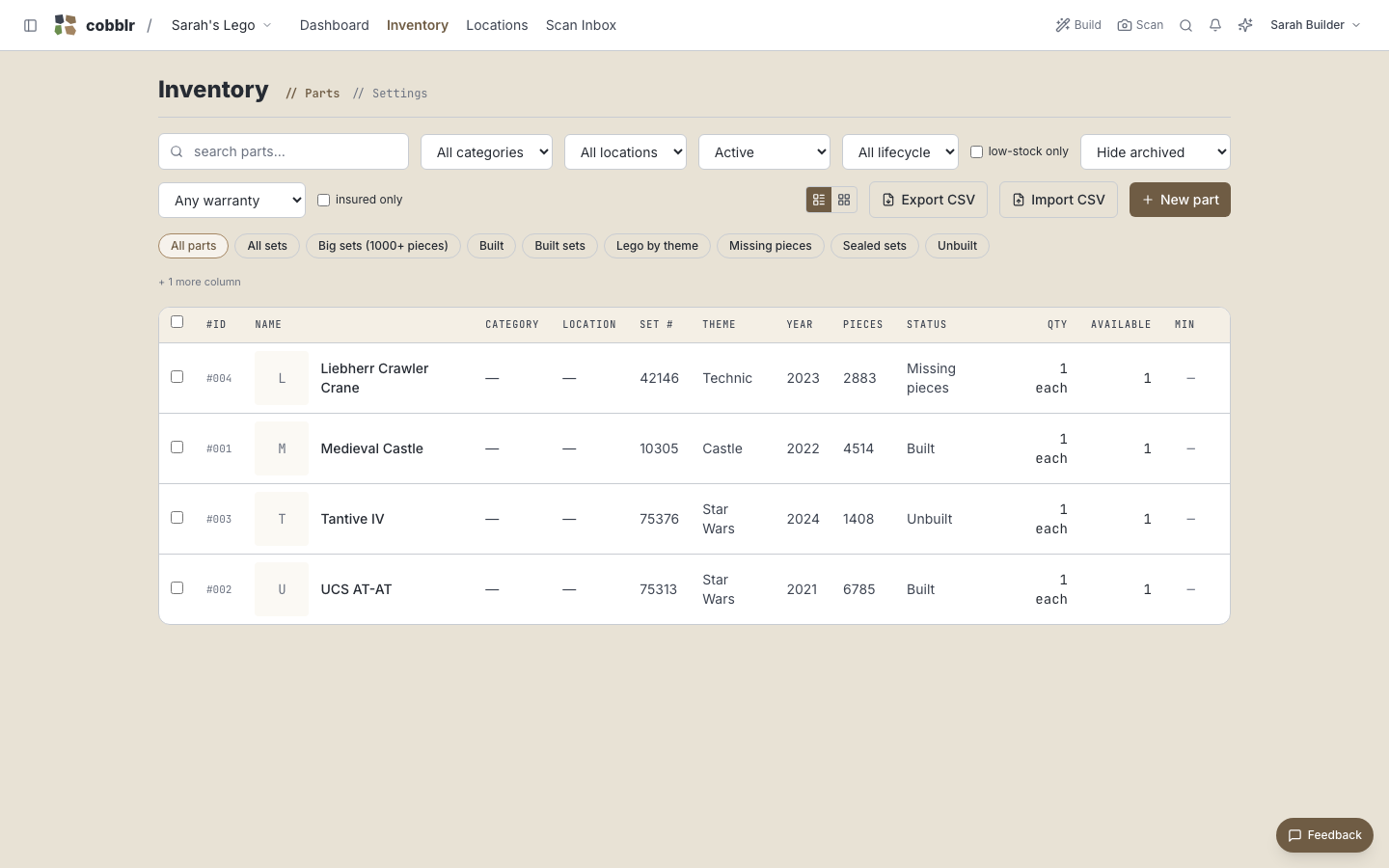
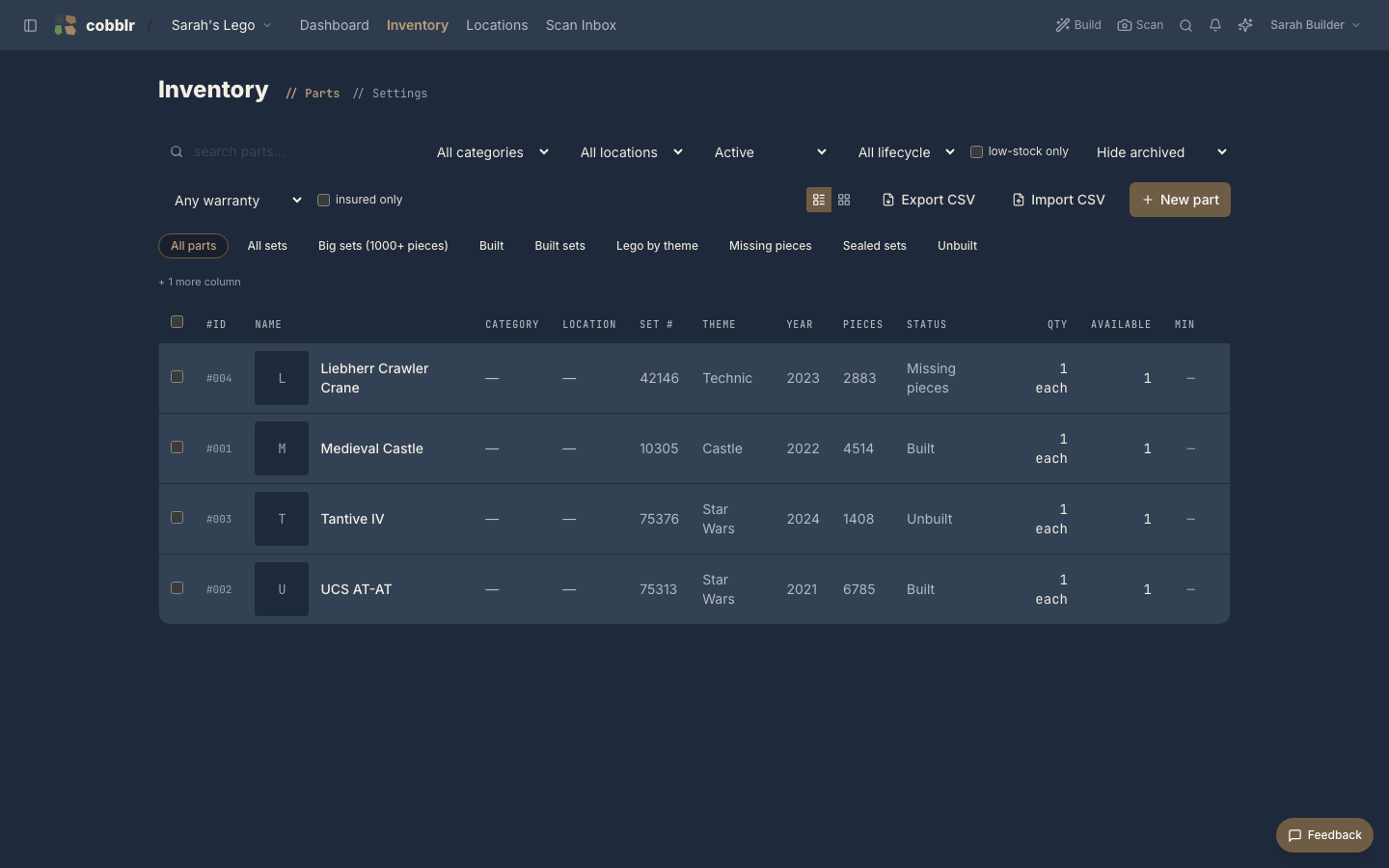
- Every set as an inventory item with the fields a collection cares about: set number, theme, year, piece count, and a build status (sealed, built, missing pieces).
- A locations tree for the physical collection: the bin wall, the sealed-kit shelf.
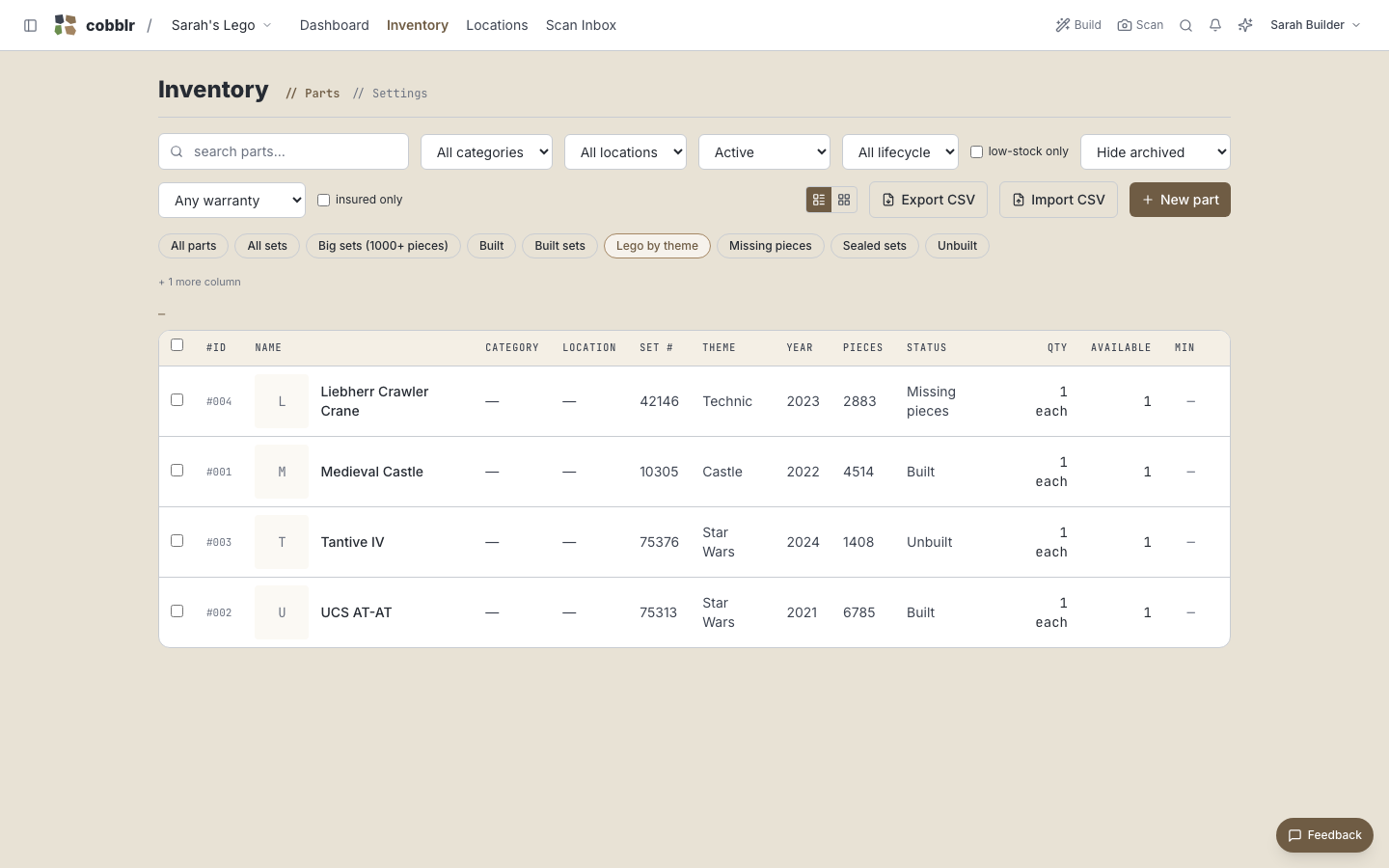
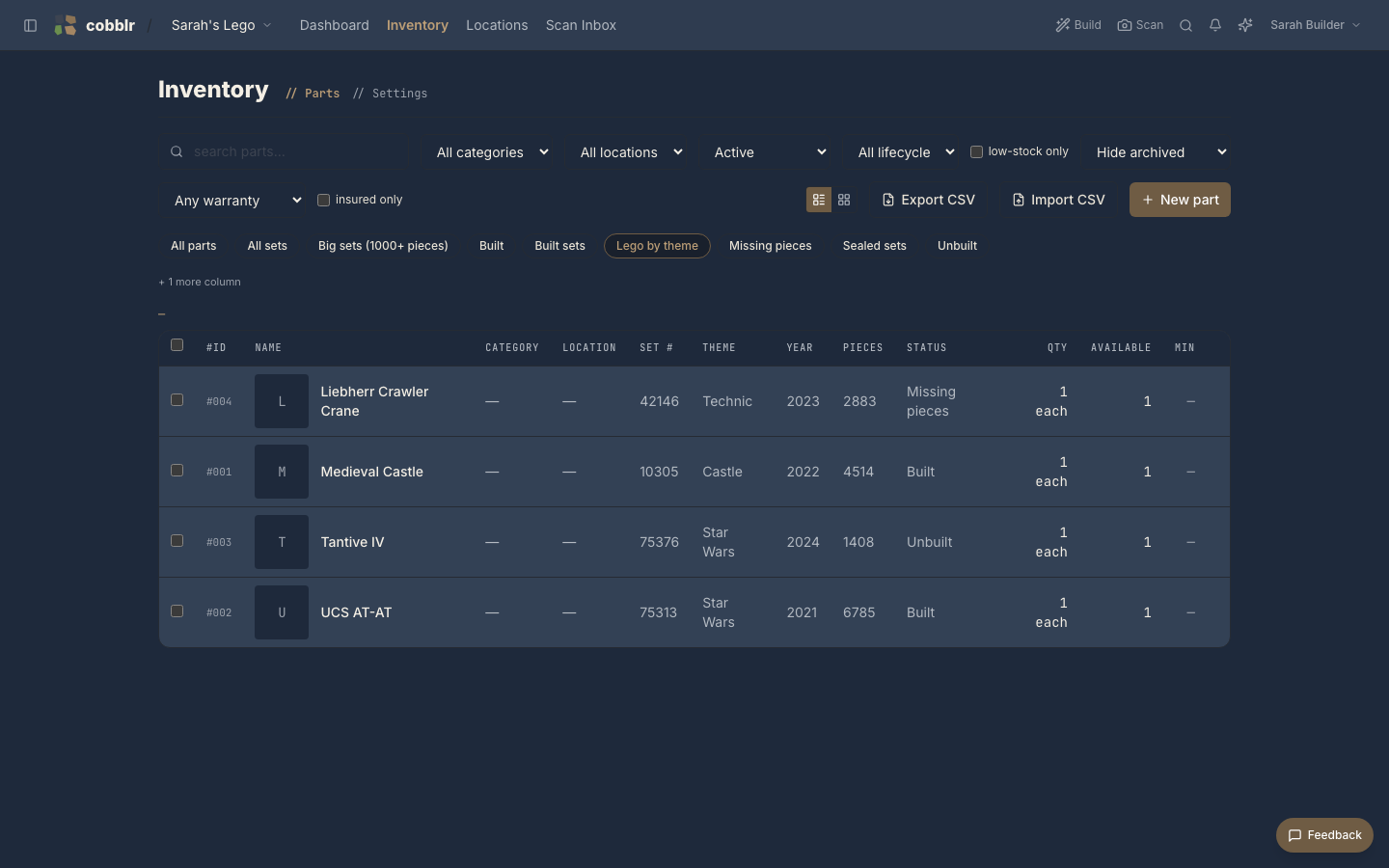
- Views by theme and by status, so "all the Technic" and "what's still sealed" are each one click.
- A simple member app: club members sign in and browse the collection without touching the admin side.
Putting it together
- Start a workspace with the Inventory module (or a collection bundle), and add the set fields: set number, theme, year, pieces, status.
- Build the locations tree to match where sets actually live.
- Add the collection. Big batches go fast through scanning or a CSV import.
- Save the views the club actually asks for: by theme, by status, biggest sets first.
- Add members as users with limited roles, and give them a member app that shows the collection and nothing else.
A club that trades on BrickLink can also connect its wanted lists and order history, and check a wanted list against what the club already owns.
The member app is a custom app: a page with a gallery view of the collection and a stat or two ("312 sets · 41 built"), set as what members land on. Members browse; organizers run the workspace.