Locations
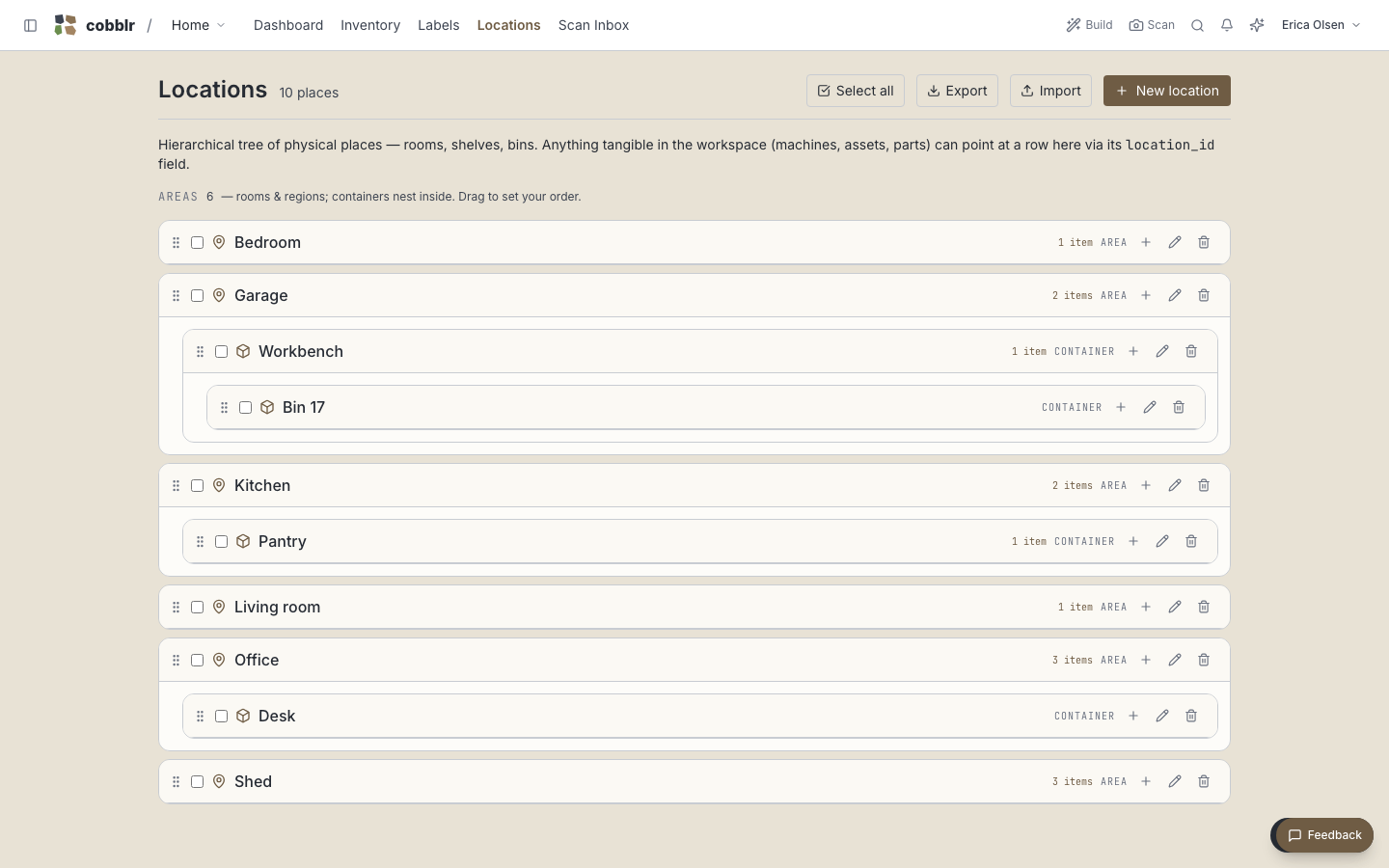
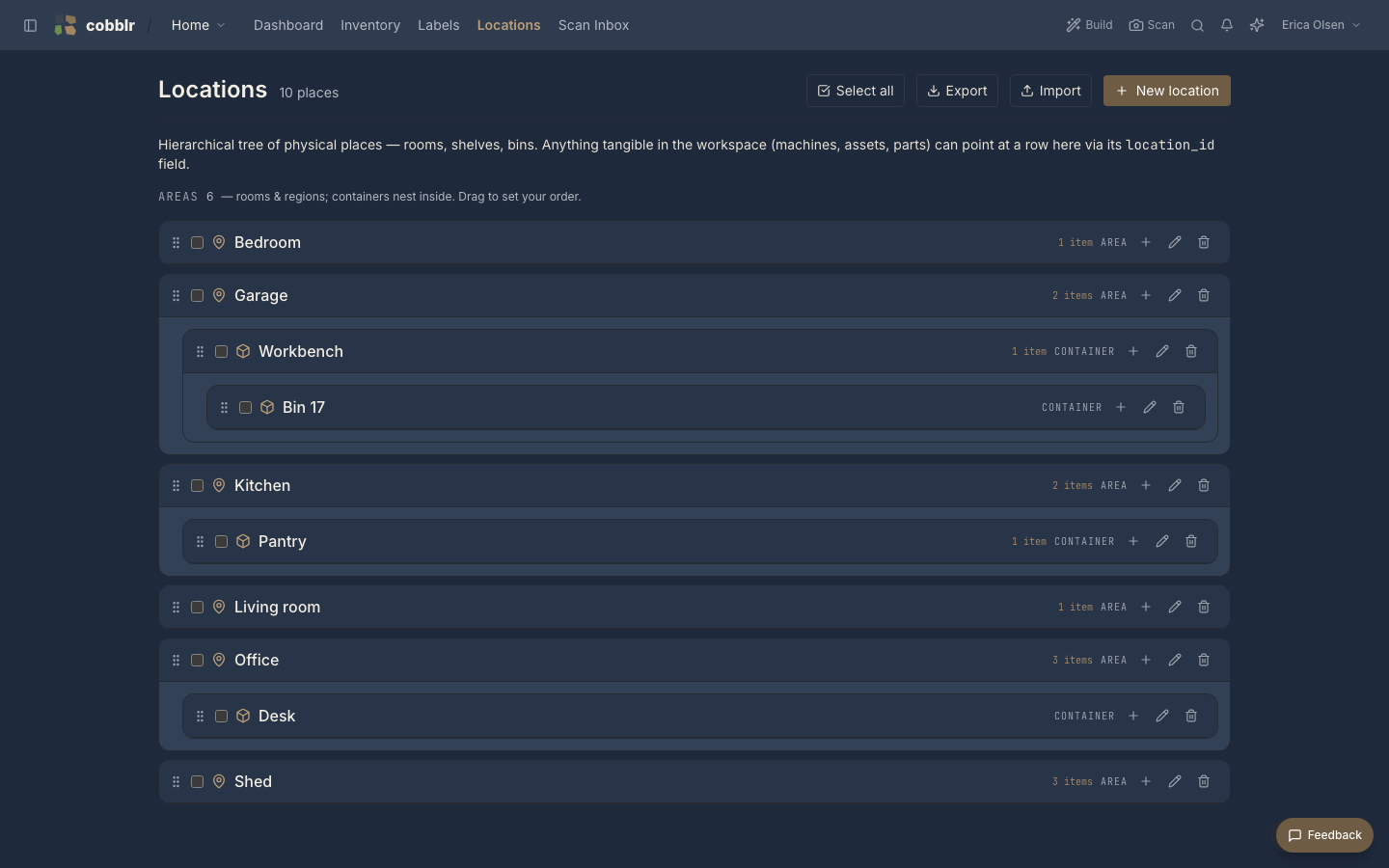
Locations are the places your things live, kept as a tree. A workshop holds shelves, a shelf holds bins, a bin holds parts. You build the tree to match your space.
Areas and containers
Every location is one of two kinds:
- An area is a place in your space, named at whatever level is useful. The building you're in, the rooms inside it, a shelving rack, and a single shelf on that rack are all areas. Areas are the structure of where things are, nested as deep as you want.
- A container is a holder you put things into and can move around: a bin, a box, a tote. It sits in an area, but it's the vessel, not the place, and you can carry it somewhere else with its contents.
Containers get a number appended automatically, so typing Bin gives you Bin 17
without you tracking the count. That makes them easy to label and easy to scan.
When you scan to file things away, the scans work down this tree like a funnel: each scan narrows one level, from area to container to item. QR labels covers the flow.
Shared across everything
Locations aren't tied to one module. Inventory parts, assets, and machines all point at the same set of places, so "where is it" means the same thing everywhere and you define your locations only once.
Using them
Give an item a location and you can group or filter any view by it: everything on Shelf 3, everything in the garage. Paired with QR labels, a location can carry a code you scan to see what's meant to be there.